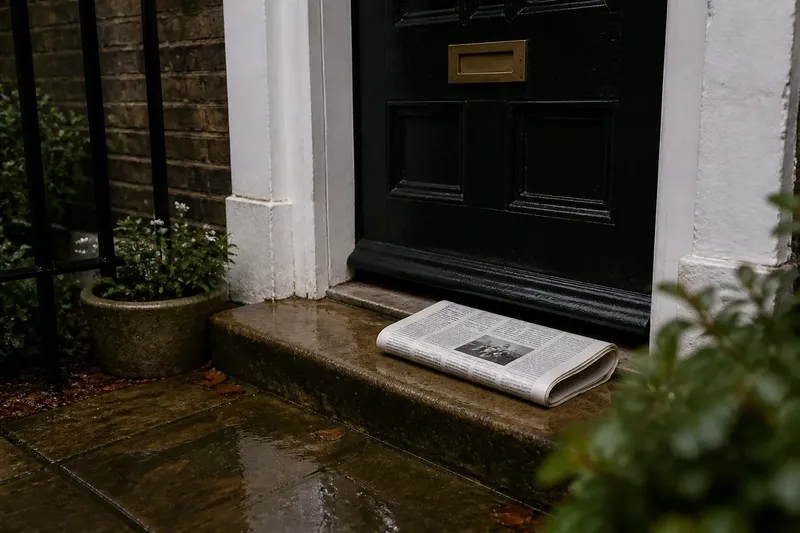
The Myth of the Perfectly Complete News Feed
A perfectly complete news feed is impossible; learn to read its boundaries and choose the right follow-up source when a headline leaves a question open.

A perfectly complete news feed is impossible: every list has a boundary, even when it looks like a simple stream of updates. The practical question is not whether a feed contains everything, but what it can help you notice and what kind of source you need next.
Feed boundaries
A feed may combine newsroom choices, software sorting and your own settings. Even a chronological list contains only the publishers and subjects the service carries.
That limit does not make a feed useless. It makes the feed suitable for some tasks—such as spotting a new development—rather than others, such as establishing the full history of a local dispute.
Check the feed’s description and publisher list. If it covers a narrow subject or a set of selected outlets, use it as a prompt to read those sources, not as a record of all reporting.
Gaps in coverage
A story may be missing because it has not been reported, because the feed does not include its publisher, because it uses an unexpected subject label, or because the item sits further down the list. From the screen alone, those causes can look alike.
For a local matter, a national feed may not include the community reporting that first explains which streets, services or residents are affected. A quiet feed therefore cannot establish that nothing has happened.
Identify the gap before searching further: are you missing a place, a specialist subject, an update or the document behind a report? That answer points towards a relevant local newsroom, specialist publication, follow-up story or original notice.
Choose a follow-up
When a headline leaves a specific question open, match the next source to that question. An official notice can clarify what an institution has proposed; independent reporting can explain the dispute around it; a specialist account can supply background that a short update omits.
- Local coverage: Check whether the story names the relevant place. If it does not, then seek a newsroom that regularly reports on that area; otherwise, use its local detail to identify who or what is affected.
- Official documents: Check whether the report links to the original notice or decision. If it does not, then look for the responsible institution’s published document; if it does, compare its wording with the report’s account.
- Developing reports: Check the publication time and whether the item is marked as updated. If the information is old or unchanged, then seek a later update from a named source; otherwise, note what the new report adds.
- Specialist context: Check whether the story explains unfamiliar terms and background. If it does not, then consult a specialist publication or explainer; otherwise, use the article’s definitions to follow the issue.
- Disputed claims: Check whether the report identifies who made the claim and what evidence is offered. If either is unclear, then seek another report that examines the evidence; otherwise, distinguish the attributed claim from established facts.
- Headline scope: Check whether the headline describes a proposal, a decision or an action already in force. If the article narrows that claim, then use the article’s wording when describing it; otherwise, follow the linked source for the stated detail.
Say you see a feed headline claiming that a town centre will change its traffic rules. You open the report and find that it concerns one street and a consultation, then read the council notice, which describes a proposal rather than a rule already in force. The resulting answer is narrower: a change is being considered, but the notice does not say it has been enacted. That distinction tells you not to describe the proposal as current law.
What can a news feed tell you?
Does a quiet feed mean nothing happened?
No. The feed may omit the relevant publisher, place or subject, so check a source that covers the matter directly.
Why do feeds show different stories?
They may include different outlets, classify subjects differently or arrange items by different rules. Compare publisher names and timestamps before treating one list as a correction of another.
Can a feed be neutral?
A feed can aim for fair treatment, but it still has boundaries: it includes some sources and leaves others out. Visible dates, sourcing and a clear account of what the service carries help you judge its scope.
How should I use a feed during breaking news?
Use it to notice that a story is developing, then open the reporting rather than relying on headline fragments. Check the timestamp and source, and separate confirmed details from claims that remain unclear.
Read headlines carefully
A headline compresses a report into a short claim. To understand its scope, read the article’s opening and check whether it describes a proposal, a completed decision or an event still unfolding.
For a consequential claim, follow any link to the underlying notice or document. For a passing item, the headline may simply help you decide whether to return to the story later.
Keep the headline’s wording distinct from what the report and its sources establish.
Use the feed’s edges
A feed is useful as a starting point when you know what it carries and what question you want answered. For a routine scan, let it point to stories; when a detail matters, follow the trail to reporting, documents or a source with local knowledge.
To read a perfectly complete news feed wisely, treat its limits as a cue for a specific next step, not an invitation to search endlessly. A single well-matched report or document can answer the question that another scroll cannot.